


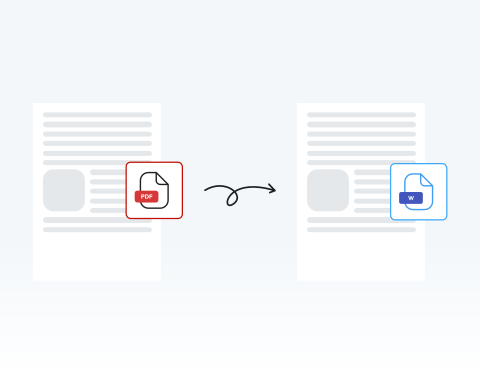

Convert PDFs to modifiable Word documents
Stop wasting time retyping documents from scratch. Convert your PDF to Word to immediately fix typos in a resume or research paper, update terms in a contract, or extract data from a report.
Did you notice something in a PDF that you need to change or a table you want to copy? With our secure PDF to Word converter, you can change your file into a Word document in seconds.

or drag and drop

SSL Encryption - Supports PDF up to 100 MB and other formats and extensions up to 25 MB



Try our tool now to convert a PDF to Word in seconds.
Convert from PDF to a Word document in just a few easy steps with MergedPDF:
Upload or drag and drop your file into our editor.
Directly from our editor, in your PDF, you can draw, replace text, and more.
Select Word from the list of file types.
Your converted Word document is ready to use.
Stop wasting time retyping documents from scratch. Convert your PDF to Word to immediately fix typos in a resume or research paper, update terms in a contract, or extract data from a report.

Drag and drop your file into our editor to get an editable Word document instantly without having to download new software on your devices.

Our converter is designed to keep your tables, text, fonts, and images exactly where they belong. You can edit the text without spending hours fixing the layout or reformatting the page.

Once modified, download the file, enable "Track Changes" in Word, and send it to your colleagues on a cloud network so they can leave comments and suggestions.

If you’re on the go and want to change your format to Word for more editing. Turn a PDF report on your phone or update a proposal from your tablet into a Word document with MergedPDF’s cloud-based tool.

You can use our tool no matter how large or small your PDF file is. Switch from PDF to a Word doc regardless of size to change the format of a 100-page thesis or another large document instantly.



Start by creating a free account and make it easy to edit, convert, compress, and split your files!
Everything you need to know about converting PDF to Word.

