


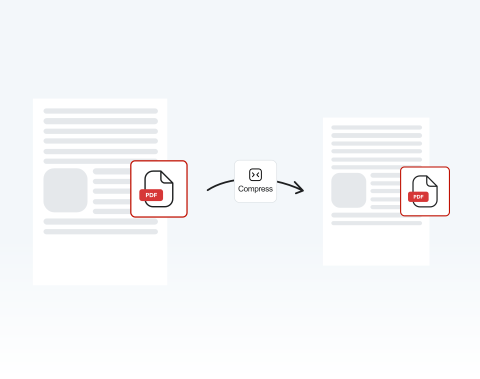

Online service with no installation required
Compress your PDF online directly in your browser. No software downloads needed. Simply upload your file, compress it, and continue working without disrupting your workflow.
Need a smaller PDF fast? Compress your PDF online in seconds with our secure tool that reduces file size without losing quality.

or drag and drop

SSL Encryption - Supports PDF up to 100 MB and other formats and extensions up to 25 MB



Stop worrying about large files and take control of your storage with MergedPDF.
Here’s how to compress a PDF file in four simple steps using our editor:
Drag and drop your PDF file or click on "Upload Document".
Press the "Convert" button.
Choose the compression option to reduce the PDF file size.
Download or share your compressed file.
Compress your PDF online directly in your browser. No software downloads needed. Simply upload your file, compress it, and continue working without disrupting your workflow.

Our PDF compressor processes files quickly so you meet strict upload and email deadlines without compromise.

The clean editor guides you step by step, making it easy to decrease PDF size even if you’re not savvy. Simply upload, compress, download. It’s designed for speed and clarity.

Use our tool on Windows, macOS, or Linux systems without configuration issues. Teams working across different operating systems can compress PDF files seamlessly while maintaining consistency.

Resize PDF documents from anywhere at any time with your PC, tablet, Android device, or iPhone. It’s perfect for remote teams and students working between home and campus.

Our online PDF compressor runs smoothly on Chrome, Opera, Edge, Safari, and Firefox. Compress files instantly from any modern browser without compatibility issues or technical barriers.

Start by creating a free account and make it easy to edit, convert, compress, and split your files!
Everything you need to know about compressing PDF files.

